CCTV Diagnostics & General Inspection
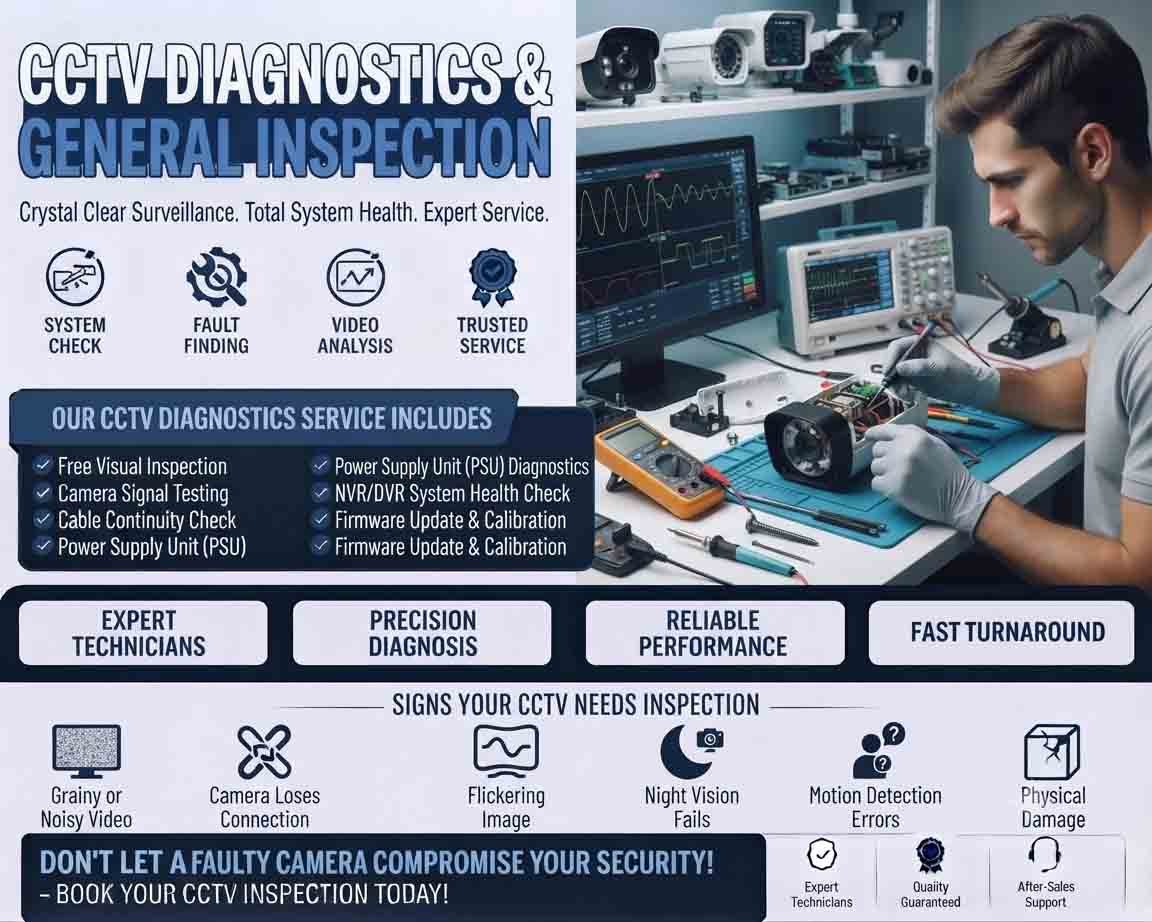
CCTV systems need regular inspection to ensure cameras, recording equipment, cables, storage, and network connections are working correctly. CCTV diagnostics is the process of identifying faults that may affect video quality, recording, remote viewing, or system reliability.
Basic CCTV Diagnostics
Start with a visual inspection of the entire system. Check whether each camera is powered on and whether its status indicator, if available, shows normal operation. Inspect cameras for physical damage, loose mounts, water exposure, dust, or obstruction of the lens.
Next, check the live video feed. Look for:
- Black or blank screens
- Flickering images
- Blurred or distorted video
- Poor night vision
- Incorrect camera angles
- Intermittent video
- Missing cameras from the monitoring screen
If a camera is not displaying video, check its power source, cable connections, network connection, and connection to the DVR or NVR.
DVR and NVR Inspection
The recorder is one of the most important parts of a CCTV installation. Check whether the DVR or NVR is operating normally and whether all connected cameras are being detected.
Review the recording status for each channel and confirm that scheduled recording is enabled. Check the system date and time as incorrect settings can make recorded footage difficult to locate.
The recorder should also be inspected for:
- Storage capacity
- Hard-drive health
- Recording errors
- Overheating
- Network connectivity
- Firmware or system warnings
Camera and Image Quality Check
Every camera should be inspected individually. Confirm that the viewing angle covers the intended area and that there are no new obstructions.
During daytime inspection, check image sharpness, brightness, contrast, and color. At night, verify that infrared or other low-light functions are operating properly.
Dirty lenses are a surprisingly common cause of poor image quality. Carefully cleaning the lens can sometimes resolve a problem without replacing the camera.
Cable and Power Inspection
Loose or damaged cables can cause intermittent video and complete camera failure. Inspect connectors, junction boxes, network cables, power adapters, and visible cable runs.
For PoE cameras, verify that the network switch or NVR is supplying power correctly. For separately powered cameras, check the power adapter and connection.
Any damaged cable should be repaired or replaced using suitable components rather than relying on temporary connections.
Network and Remote Viewing
For IP CCTV systems, network connectivity is an important part of diagnostics. Confirm that cameras are communicating with the NVR and that authorized users can access the system remotely when remote monitoring is required.
Check for network disconnections, incorrect network settings, and unstable connections. If only remote viewing fails while local recording works normally, the problem may be related to the network or remote-access configuration rather than the cameras themselves.
General CCTV Inspection
A complete inspection should also include the physical security and condition of the installation. Check camera brackets, mounting points, protective housings, junction boxes, cables, and equipment cabinets.
Look for signs of moisture, corrosion, overheating, accidental damage, or unauthorized changes to the installation.
A useful inspection should answer three basic questions:
- Are all cameras working?
- Is footage being recorded correctly?
- Can the required footage be viewed when needed?
Regular CCTV diagnostics and general inspection can identify small problems before they become major system failures. Keeping cameras clean, checking connections, monitoring storage health, and reviewing recording performance can significantly improve the reliability of a surveillance system.








Reviews
There are no reviews yet.