Annual Maintenance
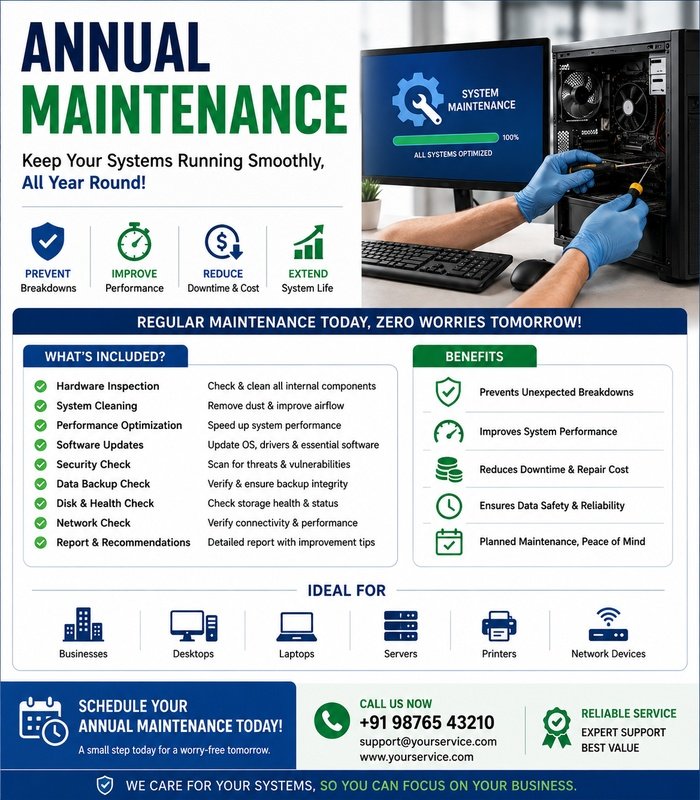
Annual maintenance is a scheduled inspection and servicing process designed to keep computers, laptops, printers, CCTV systems, networking equipment, and other technology operating reliably throughout the year. Regular maintenance can help identify developing problems early, improve performance, and reduce unexpected downtime.
What Is Annual Maintenance?
Annual maintenance involves reviewing equipment condition, cleaning components, checking performance, updating software, and identifying potential faults. The exact work depends on the type and age of the equipment.
A yearly maintenance visit can include both preventive checks and recommendations for repairs or replacements.
Computer and Laptop Maintenance
For computers and laptops, maintenance commonly includes checking:
- System performance
- Storage health and available space
- RAM operation
- Processor temperatures
- Cooling fans and ventilation
- Operating-system updates
- Device drivers
- Startup applications
- Security software
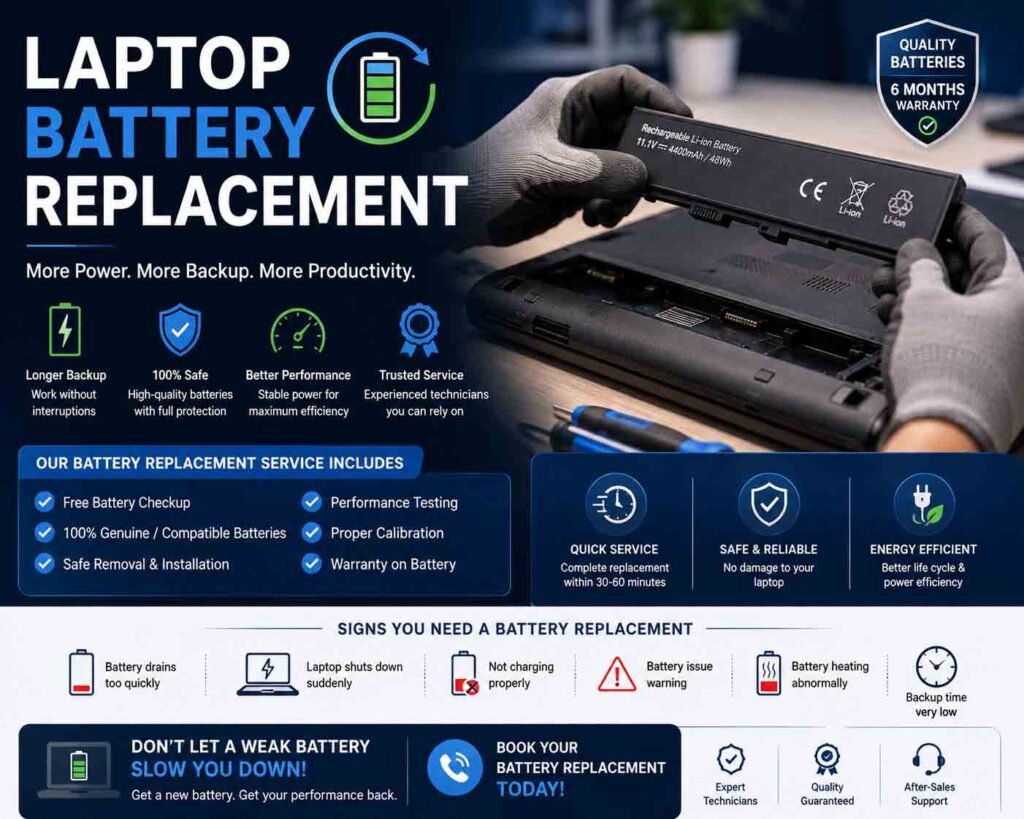
- Battery condition for laptops
Dust and debris should also be removed from appropriate external and accessible areas to help maintain proper airflow.
Printer Maintenance
Printers should be inspected for paper-feed problems, print-quality issues, damaged cables, and general wear.
Maintenance may include checking:
- Ink or toner levels
- Printhead condition
- Paper rollers
- Paper trays
- Internal dust
- Connection settings
- Printer drivers
- Test-print quality
Replacing worn consumables or components before they fail can help reduce interruptions.
CCTV System Maintenance
CCTV maintenance should verify that cameras, recording equipment, storage, power supplies, and network connections are working correctly.
The inspection can include:
- Cleaning camera lenses
- Checking camera positioning
- Testing day and night video
- Checking DVR/NVR recording
- Reviewing storage health
- Testing remote viewing
- Inspecting cables and connectors
- Checking camera power
- Verifying date and time settings
Outdoor cameras should receive particular attention because weather, dust, moisture, and environmental exposure can affect their performance.
Solar Camera Maintenance
For solar-powered surveillance systems, inspect the solar panel, battery, camera, mounting hardware, and communication connection.
The solar panel should be checked for dirt or obstructions that could reduce charging efficiency. Battery condition and charging performance should also be reviewed.
Software and Security Updates
Annual maintenance should include checking whether important operating-system updates, application updates, firmware updates, and security patches are available.
Unused applications and unnecessary startup programs can also be reviewed to improve system performance.
Backup and Data Check
Important data should be backed up regularly rather than relying only on an annual backup. During maintenance, verify that existing backup systems are operating correctly and that important files can be recovered when necessary.
A backup that has never been tested may not provide reliable protection when it is actually needed.
General Physical Inspection
Equipment should be examined for signs of physical damage, overheating, loose connections, corrosion, dust accumulation, unusual noises, and other warning signs.
Any problems found should be documented along with recommended corrective action.
Maintenance Report
After completing annual maintenance, a service report can record the equipment inspected, problems identified, work performed, components replaced, and recommendations for future servicing.
This creates a useful maintenance history and makes it easier to monitor recurring problems.
Keeping Equipment Reliable
A well-planned annual maintenance program helps extend equipment life and reduces the likelihood of unexpected failures. Combining routine cleaning, hardware inspection, software updates, performance checks, backups, and timely repairs can keep technology systems dependable throughout the year.






Reviews
There are no reviews yet.