Online Remote Support
Online remote support allows a technician to assist with computer, laptop, printer, software, network, and other technical problems without being physically present at the user’s location. Using a secure internet connection and remote-access tools, a technician can inspect the system, identify problems, and guide or perform troubleshooting when appropriate.
What Is Online Remote Support?
Remote support connects a technician to a user’s device through the internet. Depending on the service and permissions provided, the technician may be able to view the screen, check system settings, diagnose software problems, install updates, or guide the user through specific steps.
It is particularly useful when a problem does not require physical access to the hardware.
Common Remote Support Services
Remote technical assistance can cover many everyday problems, including:
- Software installation and configuration
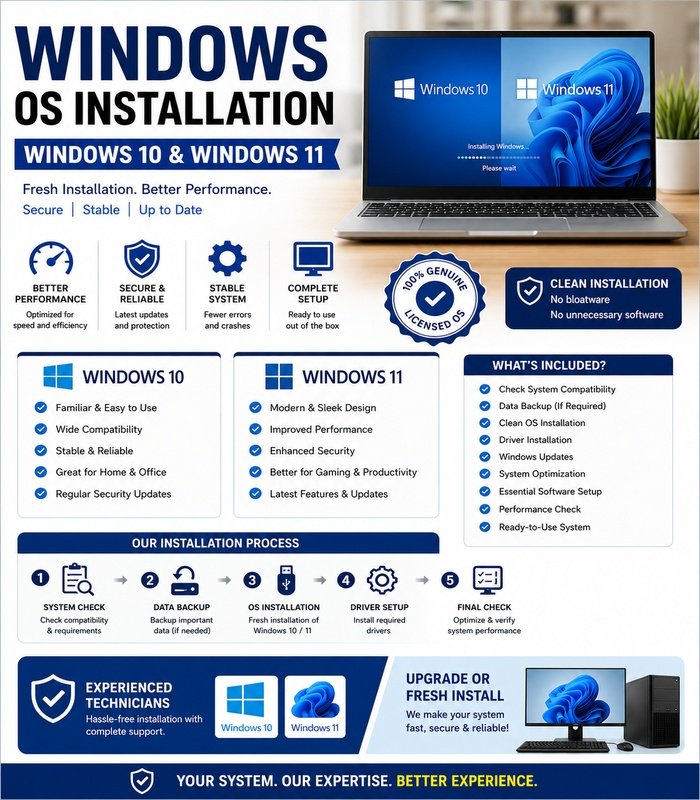
- Operating-system troubleshooting
- Printer setup
- Application errors
- Driver problems
- Internet and network issues
- Email configuration
- System performance checks
- Security and update assistance
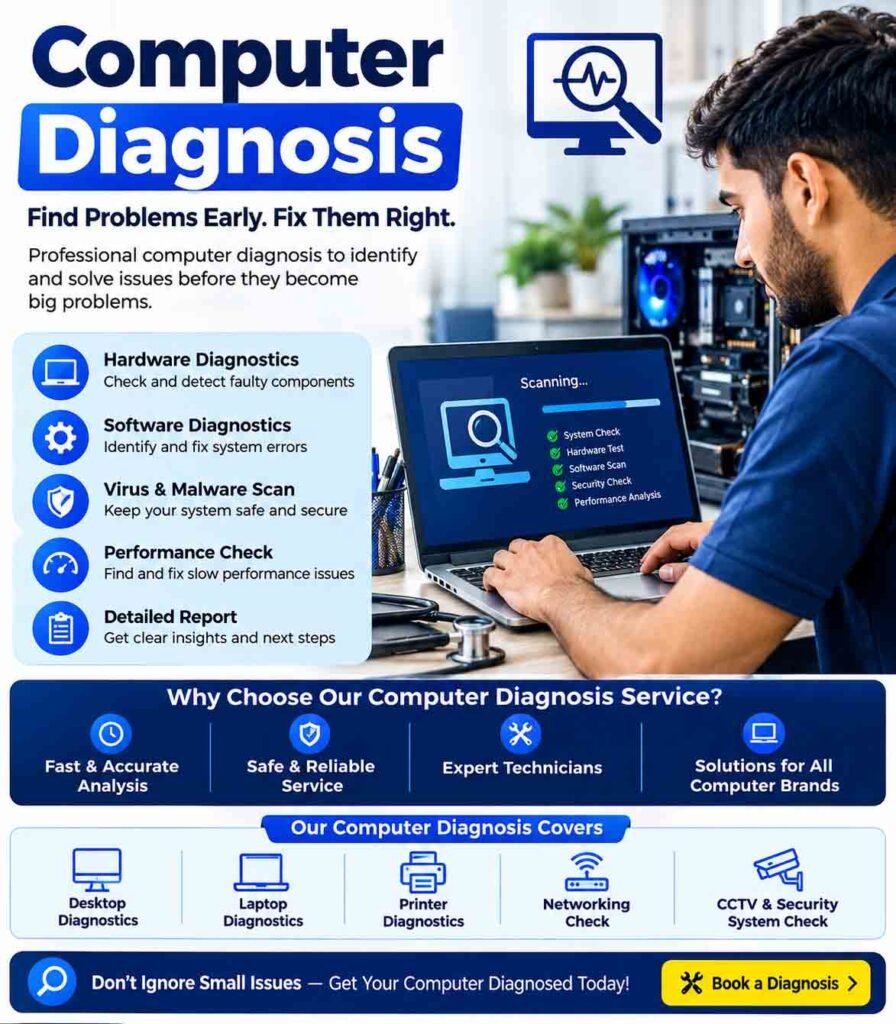
- Basic computer diagnostics
Hardware that requires physical repair may still need an on-site technician.
How Remote Support Works
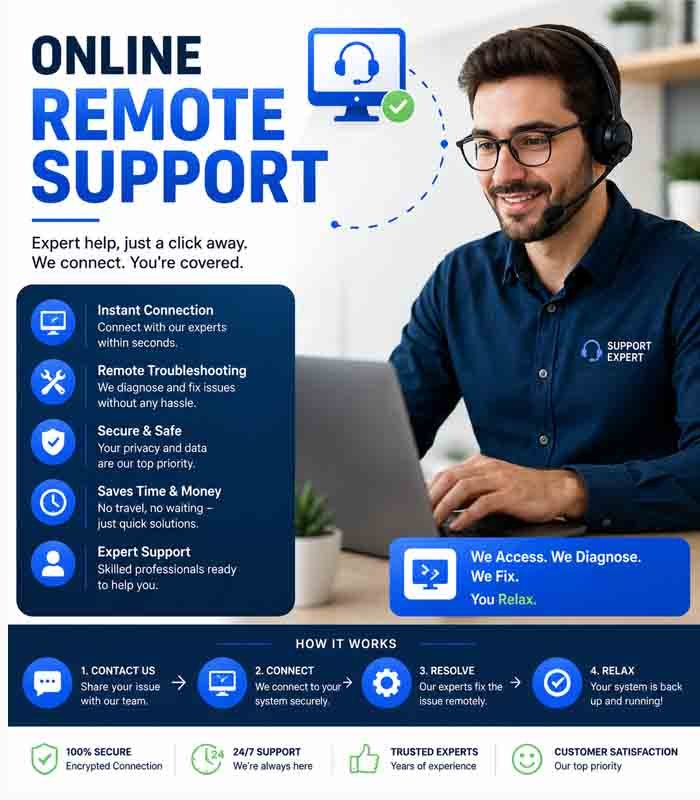
A typical remote-support session begins when the user contacts the support provider and explains the problem. The technician determines whether the issue can be handled remotely.
If remote access is appropriate, the user may be asked to install or run an approved remote-support application. The technician then connects after the required authorization is provided.
During the session, the technician can investigate the problem and apply suitable troubleshooting steps.
Security and Privacy
Security is an important part of remote assistance. Users should only provide remote access to technicians or organizations they trust.
Before allowing access:
- Confirm who is providing the support
- Use a legitimate remote-support application
- Read the access permissions carefully
- Close sensitive documents when appropriate
- Do not share passwords unnecessarily
- Monitor what the technician is doing
- End the remote session when support is complete
Never provide banking passwords, one-time authentication codes, or other highly sensitive credentials simply because someone claims to be a technical-support representative.
Benefits of Online Remote Support
Remote assistance can save time because a technician does not need to travel to the user’s location. Many software and configuration problems can be investigated immediately.
It can also be useful for businesses with multiple computers because support can be provided to different users without requiring an on-site visit for every minor issue.
Limitations of Remote Support
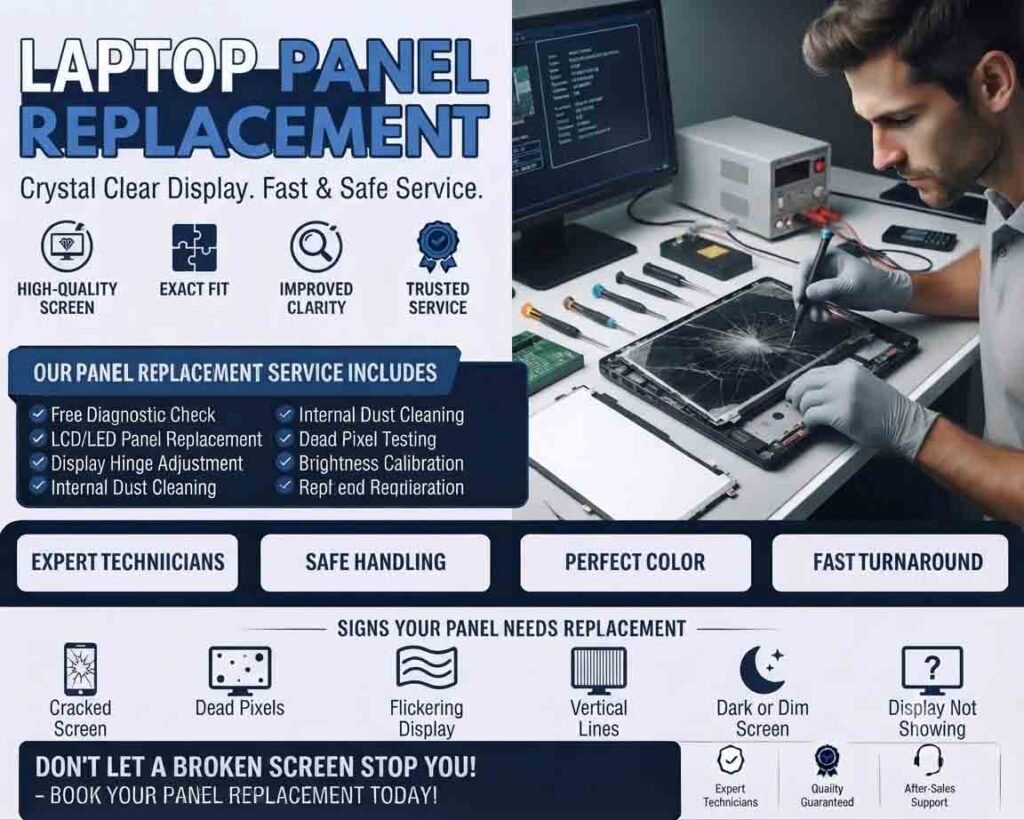
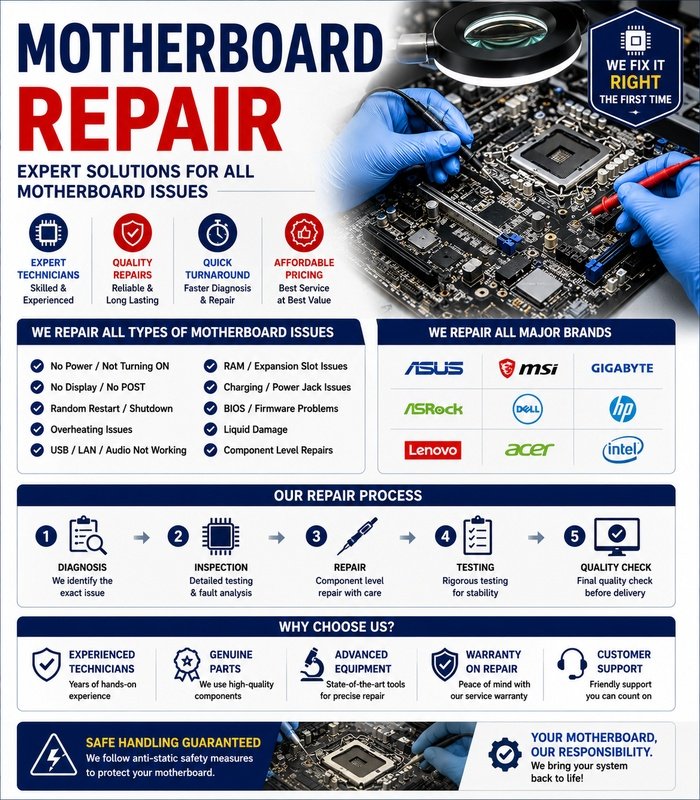
Remote support cannot solve every technical problem. Physical faults such as a damaged screen, failed power supply, broken laptop hinge, faulty cable, or defective motherboard generally require physical inspection.
A technician may be able to identify the likely hardware problem remotely, but the actual repair may need to be performed on-site or at a service center.
Troubleshooting and Follow-Up
After completing remote troubleshooting, the technician should verify that the original problem has been resolved. Any important changes should be documented, including software installed, settings modified, or updates performed.
If the problem cannot be resolved remotely, the technician can recommend an on-site inspection or hardware service.
A Convenient Support Option
When used securely, online remote support provides a fast and convenient way to resolve many technical problems. Clear communication, authorized access, careful security practices, and proper documentation help make remote troubleshooting effective while protecting the user’s system and personal information.






Reviews
There are no reviews yet.