Networking Setup
Networking setup is the process of connecting computers, laptops, printers, CCTV systems, mobile devices, and other equipment so they can communicate with each other and access shared network or internet resources. A properly planned network provides reliable connectivity, better performance, and easier management.
Planning a Network
Before installing network equipment, determine the number of devices that need to connect and how they will communicate.
Consider:
- Number of users and devices
- Wired and wireless requirements
- Internet connection speed
- Network coverage
- Router and switch capacity
- Security requirements
- Future expansion
- Required cable lengths and locations
A good network plan helps prevent connectivity problems and unnecessary equipment costs.
Router and Network Configuration
The router is typically responsible for connecting the local network to the internet. During setup, configure the internet connection according to the service provider’s requirements.
Basic configuration may include:
- Network name
- Wi-Fi password
- Security settings
- DHCP configuration
- Administrative credentials
- Firmware updates
Default administrative passwords should be changed to strong, unique credentials.
Wired Network Setup
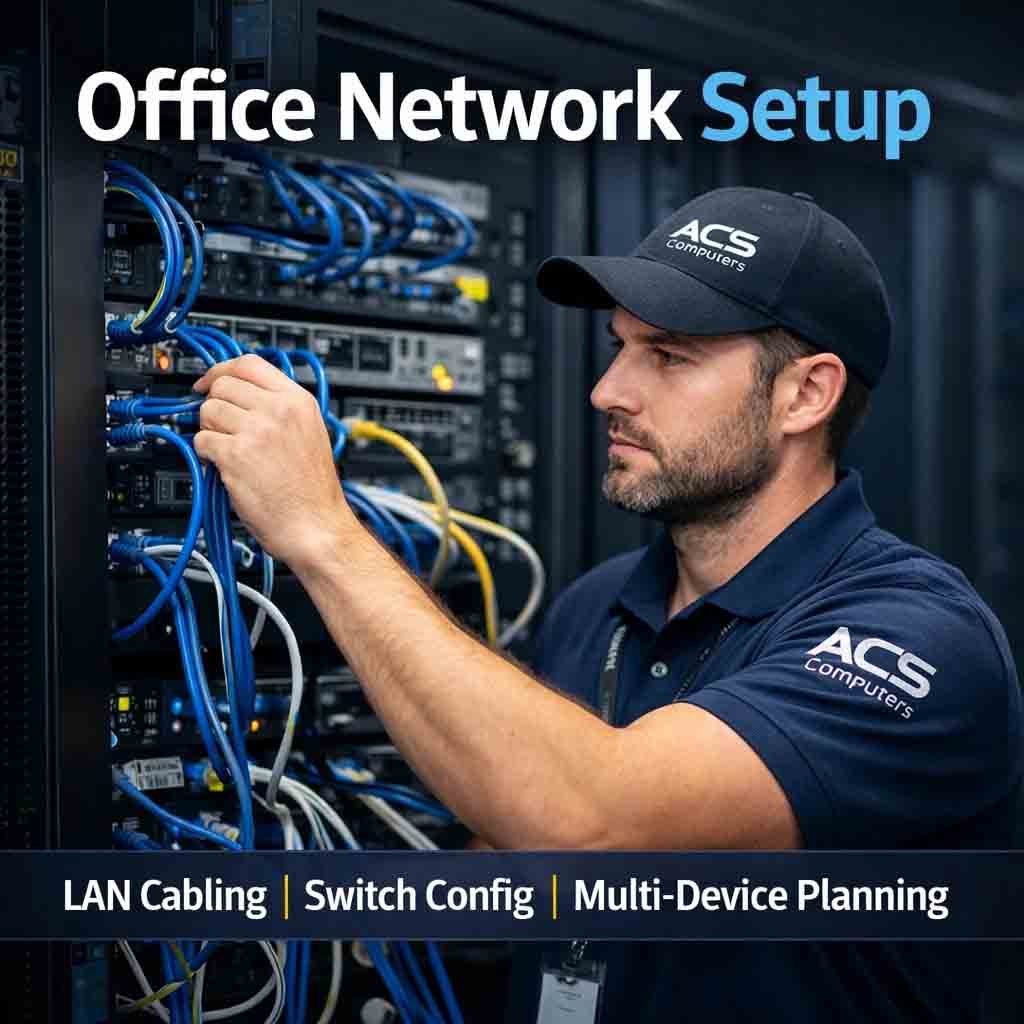
Ethernet connections can provide stable and consistent connectivity for desktop computers, printers, servers, CCTV systems, access points, and other equipment.
Use suitable network cables and ensure that connectors are properly terminated and secured.
Network cables should be routed safely and kept away from sources of physical damage or excessive interference where practical.
Wi-Fi Setup
Wireless access points or routers should be positioned to provide suitable coverage. Walls, floors, metal objects, and other sources of interference can reduce wireless performance.
During installation, check signal strength in important areas and select appropriate wireless settings.
Separate guest access from the main business network when required to improve security and control access.
Network Switch Setup
A network switch allows multiple wired devices to communicate over the local network.
When installing switches, check available ports, network speed, power requirements, and compatibility with connected equipment.
For larger networks, managed switches can provide additional configuration and monitoring capabilities.
Printer and CCTV Network Setup
Network printers can be shared among authorized users without requiring a direct connection to every computer.
IP cameras can also connect to the network and communicate with an NVR or other surveillance system. Ensure that the network has sufficient capacity for the number of cameras and required video quality.
Network Security
Security should be considered from the beginning of the installation.
Basic measures include:
- Using strong Wi-Fi passwords
- Changing default administrator credentials
- Keeping routers and network devices updated
- Using appropriate wireless encryption
- Separating guest devices when necessary
- Limiting access to network equipment
- Disabling unnecessary services
Businesses may require additional firewall, VLAN, access-control, and monitoring measures.
Testing the Network
After installation, test every important connection.
Check:
- Internet access
- Wired connectivity
- Wi-Fi coverage
- Network speed
- Printer access
- CCTV communication
- File or resource sharing
- Connection stability
Testing different areas of the premises can help identify weak wireless coverage or faulty network connections.
Troubleshooting Common Network Problems
Network problems can result from incorrect settings, damaged cables, weak Wi-Fi signals, faulty equipment, IP-address conflicts, or internet-service issues.
Start by determining whether the problem affects one device or the entire network. If only one device is affected, investigate that device first. If several devices lose connectivity simultaneously, check the router, switch, access point, or internet connection.
Product Highlight
A reliable wireless router or business-grade networking device can provide the foundation for a stable network. When choosing networking equipment, customers should consider the number of connected devices, required coverage, internet speed, security features, and future expansion needs. For larger installations, equipment supporting advanced management and monitoring can make network administration easier. Always verify compatibility with the existing network before purchasing.
Ongoing Network Maintenance
After the initial networking setup, periodically check network equipment, firmware, cables, Wi-Fi performance, and security settings.
Document important network information so future troubleshooting is easier. Regular monitoring can help identify failing equipment, connectivity issues, and security concerns before they significantly affect users.
A carefully planned networking setup provides a dependable foundation for computers, printers, CCTV systems, and other connected devices while making future expansion and maintenance easier.





Reviews
There are no reviews yet.