Dead Laptop Repair
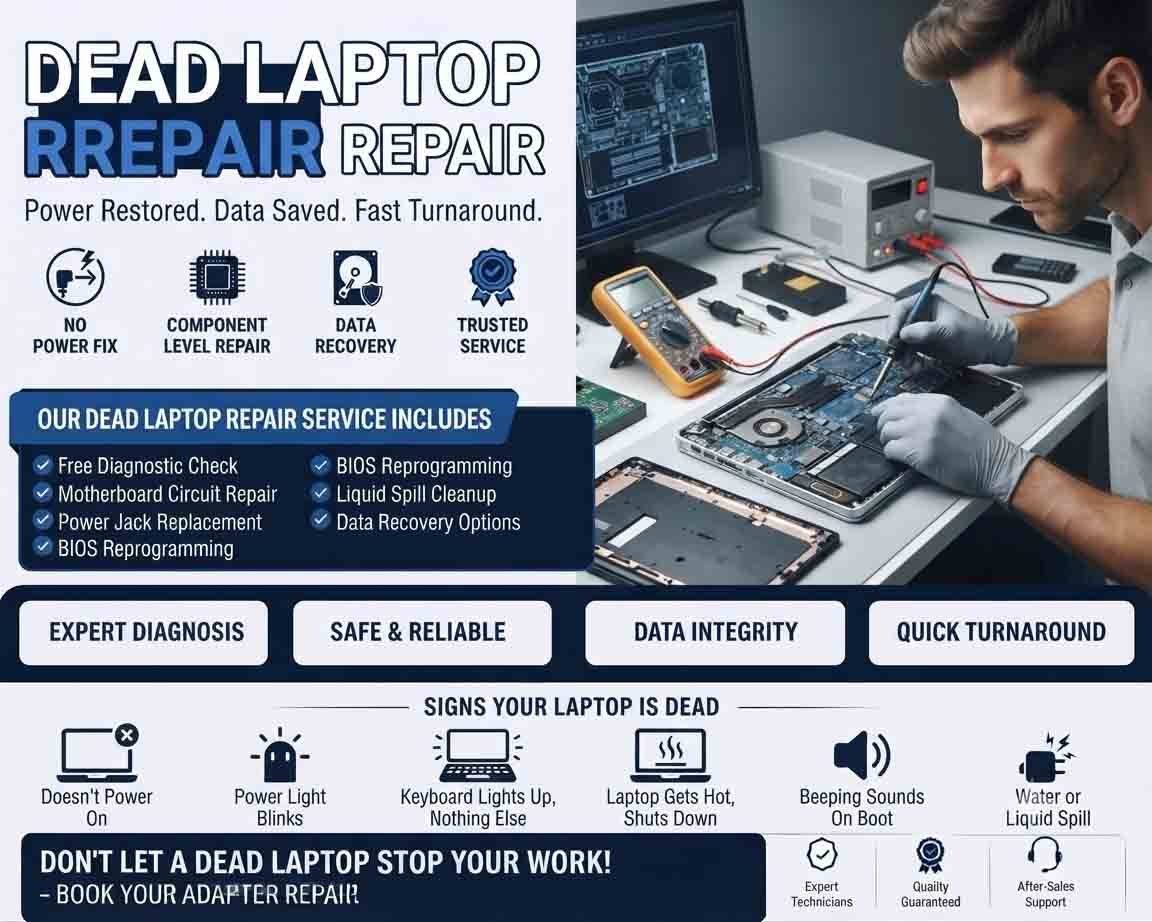
Dead laptop repair involves diagnosing a laptop that shows little or no sign of power, fails to start, or shuts down immediately after pressing the power button. The cause can range from a simple adapter or battery problem to a fault involving the charging circuit, motherboard, or other internal hardware.
Accurate diagnosis is important before replacing expensive components.
Common Signs of a Dead Laptop
A laptop may be considered “dead” when:
- It does not power on
- No charging indicator appears
- Power button produces no response
- Screen remains completely blank
- Fan does not spin
- Laptop starts and immediately shuts down
- Charging light flashes abnormally
- The laptop works only intermittently
- There is a burning smell or visible damage
A completely blank screen does not always mean the laptop is dead. It may be running with a display, RAM, or graphics-related problem.
Basic Power Checks
Begin with the simplest possibilities. Check the wall outlet, power adapter, power cable, and laptop charging connector.
If the adapter has an indicator light, check whether it behaves normally. When possible, testing with a known-good compatible adapter can help determine whether the original adapter is faulty.
Do not use an adapter simply because its connector fits. Voltage, current, wattage, and connector specifications must be compatible.
Battery Inspection
A failed or deeply discharged battery can sometimes prevent normal startup.
If the laptop has a removable battery, appropriate battery-removal and power-reset procedures may help identify the problem. For internal batteries, servicing should be performed carefully.
A swollen, leaking, or physically damaged battery should not be used or handled unnecessarily.
Power Reset
Temporary power-management problems can sometimes prevent a laptop from starting.
Following the manufacturer’s recommended power-reset procedure may clear a temporary fault. If the laptop remains completely unresponsive, further diagnosis is required.
Check for Display Problems
If power indicators, fans, keyboard lights, or other signs of activity are present, the laptop may not actually be dead.
Connect an appropriate external display when supported and check whether an image appears. The problem could involve the LCD panel, display cable, backlight, RAM, graphics system, or motherboard rather than the main power system.
RAM and Storage Checks
Loose or faulty RAM can prevent a laptop from completing its startup process.
Where the laptop design allows access, memory should be inspected and tested using appropriate procedures.
Storage failure generally does not cause a completely powerless laptop, but it can prevent the operating system from starting. This distinction helps avoid replacing the wrong component.
Charging Port Inspection
A damaged charging port can prevent the battery from charging and may stop the laptop from receiving power from the adapter.
Check for looseness, physical damage, or intermittent charging. Depending on the laptop design, the port may be connected to a separate board or directly to the motherboard.
Motherboard and Power Circuit Diagnosis
If the adapter, battery, charging port, and accessible components appear functional, the problem may involve the motherboard.
Potential faults can involve:
- Power-management circuits
- Charging circuits
- Short circuits
- Damaged components
- Firmware problems
- Liquid damage
- Corrosion
- Electrical surge damage
Board-level diagnosis requires specialized equipment and should be performed by a qualified technician.
Liquid or Physical Damage
If the laptop was exposed to water or another liquid, avoid repeatedly attempting to turn it on.
Liquid can create short circuits and corrosion that may worsen when power is applied. Physical impact can also damage connectors, boards, hinges, displays, or internal components.
Professional inspection is recommended for serious physical or liquid damage.
Product Highlight
A compatible laptop power adapter can be a useful first replacement when a laptop shows no signs of power and the original adapter is suspected to be faulty. Customers should verify the exact model, voltage, current, wattage, and connector specifications before purchasing. A reliable adapter can help provide stable power without introducing compatibility problems. However, if a known-good adapter does not resolve the issue, further laptop diagnostics are recommended rather than repeatedly replacing accessories.
When Professional Repair Is Needed
Professional dead laptop repair is recommended when there is no response after basic power checks, or when the device has suspected motherboard, charging-circuit, liquid, or physical damage.
A technician can test the power path systematically and determine whether the problem is repairable or whether replacing a component or the entire device is more economical.
Protecting Important Data
If the laptop contains important files, data recovery should be considered before performing major repairs, especially when storage or motherboard failure is suspected.
Avoid unnecessary formatting, operating-system reinstallation, or repeated attempts to power on a severely damaged device.
Bringing a Dead Laptop Back to Life
A laptop that appears completely dead may have a relatively simple problem such as a failed adapter, battery, or charging connection. More serious cases can involve motherboard or power-management faults.
Effective dead laptop repair starts with systematic power and hardware diagnostics, helping identify the actual fault and avoid unnecessary component replacement.












Reviews
There are no reviews yet.