Laptop Hinges Fixing
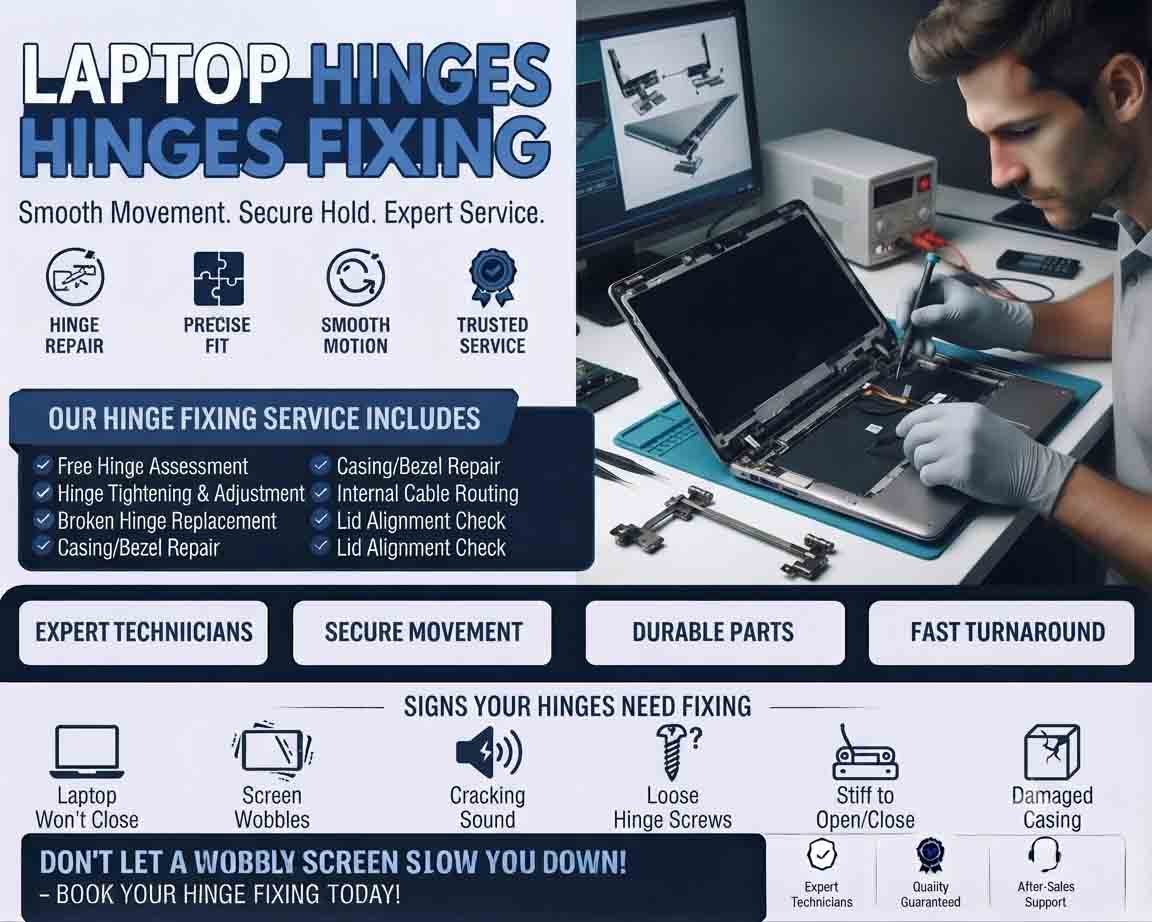
Laptop hinges fixing involves repairing or replacing the hinge components that connect the laptop display to its main body. Hinges allow the screen to open and close while keeping it securely positioned. Damaged or excessively tight hinges can eventually affect the display frame, screen, cables, or laptop casing.
Common Signs of Hinge Problems
A laptop may have a hinge issue when you notice:
- Screen wobbling or moving excessively
- Hinges becoming stiff
- Cracking sounds when opening the lid
- Display bezel separating from the screen
- Gaps appearing around the hinge area
- Broken plastic near the hinge
- Laptop lid becoming difficult to open
- Display cable movement or intermittent screen problems
- Visible hinge damage
A hinge problem should be addressed early because continued use can cause additional damage.
Why Laptop Hinges Fail
Laptop hinges are subjected to repeated movement every time the lid is opened or closed. Over time, they can become loose, stiff, damaged, or separated from their mounting points.
Common causes include:
- Normal long-term wear
- Accidental drops
- Excessive force when opening the lid
- Damaged hinge mounts
- Broken plastic brackets
- Corrosion or physical damage
- Previous improper repairs
In some cases, the hinge itself is intact but the surrounding laptop casing or mounting bracket has broken.
Initial Hinge Inspection
A technician should carefully inspect the hinge area before deciding on a repair.
Check whether the hinge is:
- Loose
- Too tight
- Bent
- Cracked
- Detached from its mounting point
- Damaging the display assembly
The display cable and surrounding components should also be inspected for damage.
Loose Hinge Repair
A loose hinge may sometimes be corrected by tightening the appropriate mounting screws.
However, simply tightening screws is not always enough. If the mounting plastic or metal bracket has broken, further repair may be necessary.
Over-tightening a hinge can create additional stress and cause the casing or screen assembly to crack.
Broken Hinge Mounts
When the hinge mounting area is damaged, the repair may involve restoring the mounting structure or replacing damaged housing components.
The appropriate method depends on the laptop’s construction and the extent of the damage.
If the mounting points are severely broken, replacing the affected display or base assembly may be more practical.
Stiff Hinges
A hinge that has become excessively tight can put significant pressure on the laptop lid every time it is opened.
Do not force a stiff screen open. Excessive force can damage the display panel, bezel, hinge mounts, or internal cables.
A technician can determine whether the hinge needs adjustment or replacement.
Display Cable Inspection
A damaged or stressed display cable can cause flickering, lines, intermittent display problems, or complete loss of the laptop screen.
When repairing a hinge, inspect the cable routing and connectors to ensure that the hinge movement is not putting excessive pressure on the cable.
Hinge Replacement
If the hinge is bent, broken, or mechanically damaged beyond repair, replacement may be necessary.
The replacement hinge must be compatible with the exact laptop model. Different versions of the same laptop family may use different hinge designs.
After installation, the lid should open and close smoothly without excessive resistance or movement.
Testing After Repair
Once the hinge has been repaired, test the laptop carefully.
Check:
- Smooth lid movement
- Proper screen alignment
- Stable display position
- No unusual cracking sounds
- Secure bezel and casing
- Display cable stability
- Correct screen operation
Open and close the lid several times without excessive force to confirm that the repair is stable.
Product Highlight
A compatible replacement laptop hinge set can restore proper screen movement when the original hinges are bent, worn, or broken. Customers should verify the exact laptop model and hinge design before purchasing because hinge assemblies are often model-specific. A good-quality replacement should provide smooth movement while securely supporting the display. Replacing damaged hinges early can also help prevent additional damage to the screen, casing, and display cable.
When Professional Repair Is Recommended
Professional laptop hinges fixing is recommended when the casing is cracked, mounting brackets are broken, the hinge is severely stiff, or the display cable has been affected.
Laptop display assemblies contain fragile components, and forcing a damaged hinge can turn a relatively simple repair into a costly screen or housing replacement.
Preventing Further Hinge Damage
Open and close the laptop using the center of the display when practical, rather than repeatedly applying force to one corner. Avoid carrying the laptop by its screen and do not force the lid beyond its designed opening angle.
Addressing stiffness or looseness early can help prevent more extensive damage and extend the life of the laptop.












Reviews
There are no reviews yet.