Laptop Screen Replacement
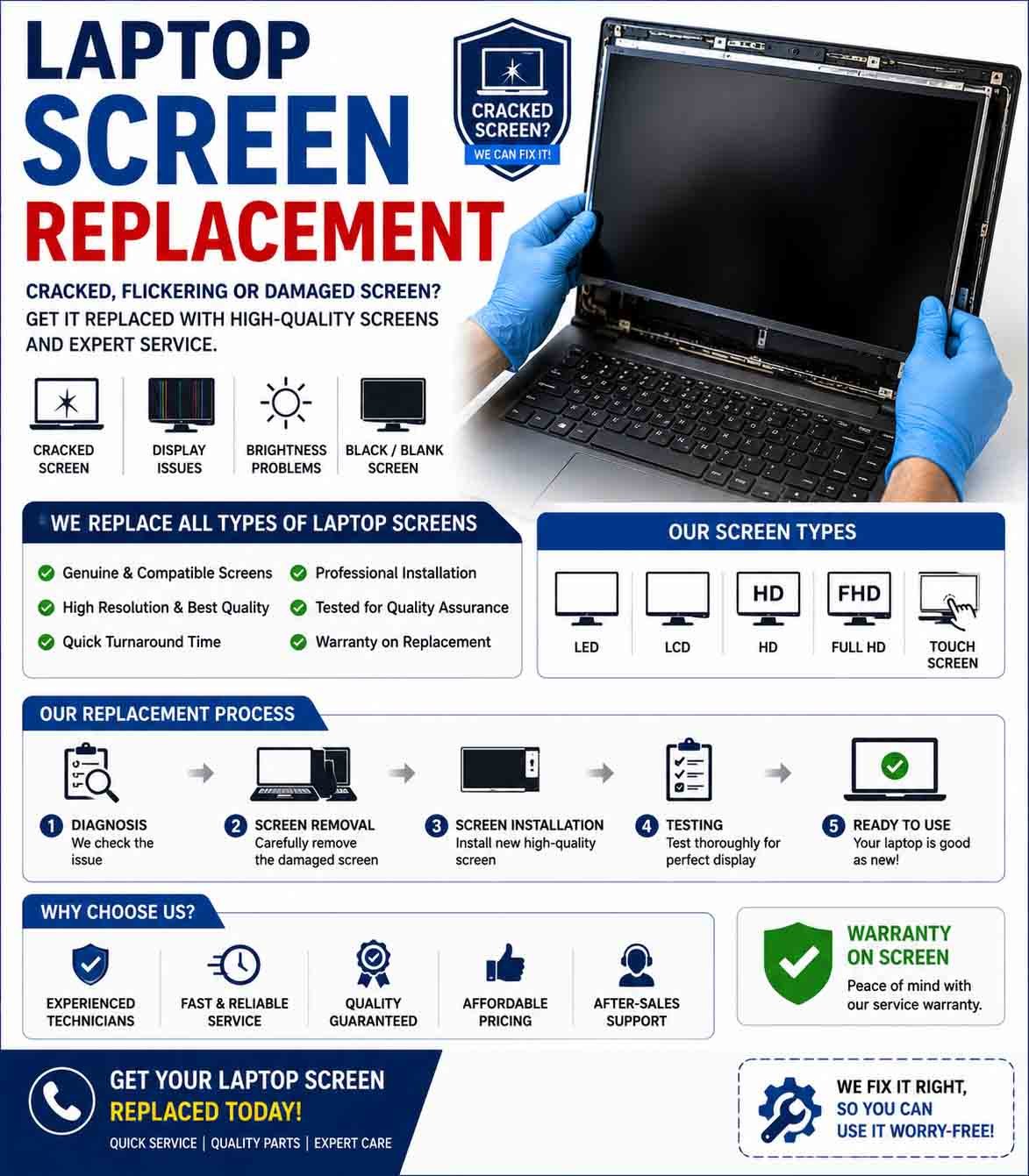
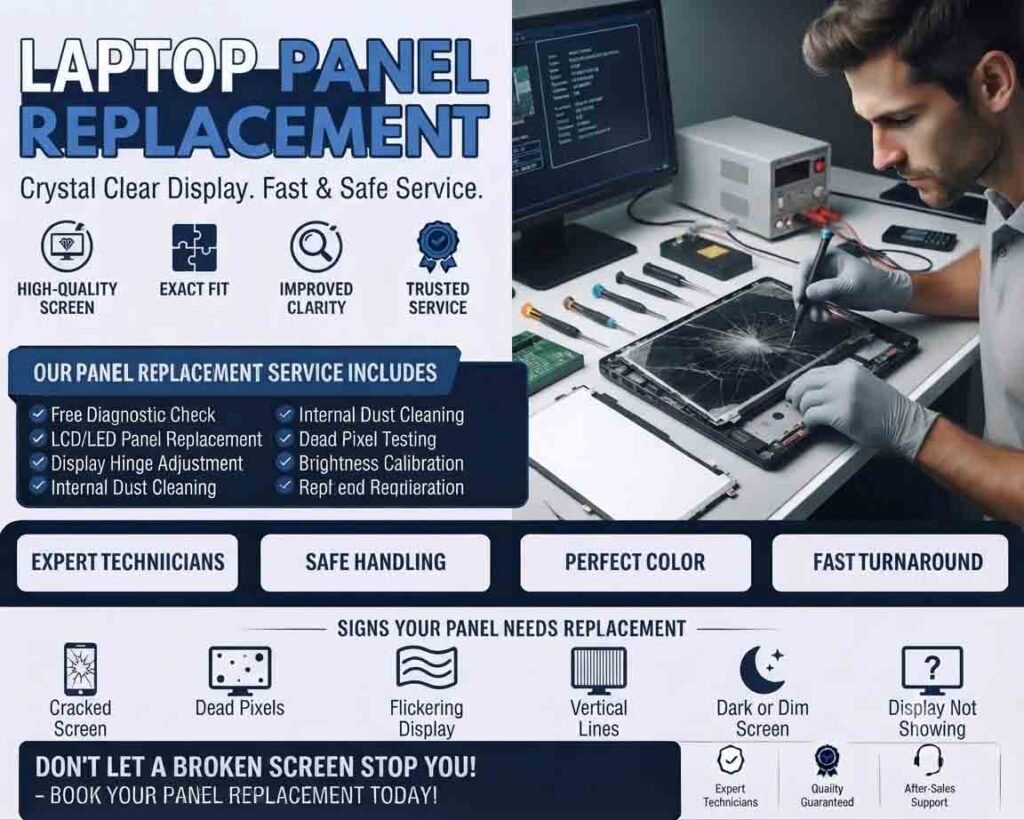
Laptop screen replacement is the process of removing a damaged or faulty laptop display and installing a compatible replacement panel. A broken screen can make a laptop difficult or impossible to use, but in many cases the device itself may still be functioning correctly.
Common Reasons for Screen Replacement
A laptop display may require replacement because of:
- Cracked or shattered screen
- Black or blank display
- Flickering screen
- Lines across the display
- Dead pixels
- Dim or uneven brightness
- Damaged display connector
- Backlight failure
- Physical impact
- Liquid-related display damage
Some display problems are caused by cables or graphics hardware rather than the screen itself, so proper diagnosis is important before ordering a replacement panel.
Diagnosing the Screen Problem
Before replacing the display, test the laptop carefully.
Connect the laptop to an external monitor or TV when supported. If the external display works normally while the built-in screen does not, the problem may be related to the screen, display cable, backlight, or display assembly.
If both displays show the same problem, the issue may instead involve the graphics system, motherboard, driver, or operating system.
Checking the Replacement Screen
Laptop screens are not universally interchangeable. The exact laptop model and screen specifications should be verified before purchasing a replacement.
Important specifications can include:
- Screen size
- Resolution
- Panel type
- Connector type
- Connector position
- Refresh rate
- Mounting arrangement
- Touch or non-touch functionality
- Backlight technology
A screen that physically fits the laptop may still be electrically incompatible.
Removing the Damaged Screen
The laptop should be powered off and disconnected from its power source before screen servicing.
The display bezel and mounting components are carefully removed to access the screen and display cable. Depending on the laptop design, the battery may also need to be disconnected before handling internal connectors.
Extra care is required because display bezels, clips, cables, and hinges can be fragile.
Installing the New Screen
The replacement panel should be connected carefully and secured using the appropriate mounting hardware.
Avoid forcing the display connector into place. Improper connection can damage the cable, connector, or replacement panel.
After the connection is made, the laptop can be tested before the bezel and other external components are fully reassembled.
Testing the Replacement
After installation, check the display for:
- Correct brightness
- Proper resolution
- Accurate colors
- Flickering
- Lines or artifacts
- Dead pixels
- Stable image
- Touch functionality, if applicable
- Proper operation when opening and closing the lid
Testing before final assembly makes it easier to correct a connection or compatibility problem.
Touchscreen Laptop Displays
Touchscreen laptops may use a more complex display assembly than standard non-touch models. The replacement may include additional touch digitizer components or may need to match a specific display assembly.
Touch functionality should be tested separately after installation.
Screen Cable and Hinge Inspection
A damaged display cable can cause intermittent flickering, lines, or a screen that works only at certain hinge positions.
The hinges should also be inspected when a laptop has suffered physical impact. Tight or damaged hinges can put additional stress on the replacement screen and cable.
Product Highlight
A compatible replacement laptop screen can restore a damaged laptop without requiring replacement of the entire device. Customers should match the exact model, size, resolution, connector, and touch capability before purchasing a panel. A quality replacement screen can provide clear images, consistent brightness, and reliable everyday performance. Choosing a properly compatible panel also reduces the risk of installation and display-connection problems.
When Professional Replacement Is Recommended
Professional service is recommended when the laptop has a complex display assembly, damaged hinges, liquid exposure, broken connectors, or additional motherboard or graphics problems.
Technicians can also verify the correct replacement panel before installation, helping avoid purchasing an incompatible screen.
Restoring Your Laptop Display
A successful laptop screen replacement requires more than simply fitting a new panel. Correct diagnosis, accurate screen matching, careful cable handling, proper installation, and thorough testing are all important.
Replacing a damaged display can be a practical way to restore a functioning laptop and extend its useful life without replacing the entire computer.










Reviews
There are no reviews yet.