Advanced data recovery from HDD/SSD/PenDrive/Memory Cards.
Data Recovery
Data recovery is the process of retrieving important files and information that have become inaccessible because of accidental deletion, hardware failure, corrupted storage, software problems, or other unexpected incidents. A careful recovery process can sometimes restore valuable data when normal access is no longer possible.
Common Causes of Data Loss
Data can become unavailable for many reasons, including:
- Accidental file deletion
- Formatting a storage drive
- Hard-drive or SSD failure
- Operating-system problems
- File-system corruption
- Malware or ransomware
- Power interruptions
- Physical damage
- Failed memory cards or USB drives
- Improper device handling
The chances of successful recovery depend heavily on the cause and condition of the storage device.
Basic Data Recovery Assessment
Before attempting recovery, determine what happened and whether the affected device is still functioning.
Check whether the drive is detected by the computer and whether files are accessible. Identify which files are missing and whether a recent backup exists.
If the drive is making unusual mechanical sounds, repeatedly disconnecting, becoming extremely hot, or showing signs of physical damage, continued use may make the situation worse.
Recovering Accidentally Deleted Files
When files have been accidentally deleted, stop unnecessary activity on the affected storage device. Continuing to save or install files can overwrite data that may still be recoverable.
Check the operating system’s recycle bin or trash first. If the files are not there, specialized recovery software may be able to locate recoverable data in some situations.
Storage Drive Failure
A failing HDD or SSD requires particular care. If the device is still accessible, important information should be copied to a healthy storage location as soon as possible.
Repeated attempts to access a severely failing drive can increase the risk of further failure. For valuable or irreplaceable information, professional recovery services may be more appropriate.
Data Recovery From External Devices
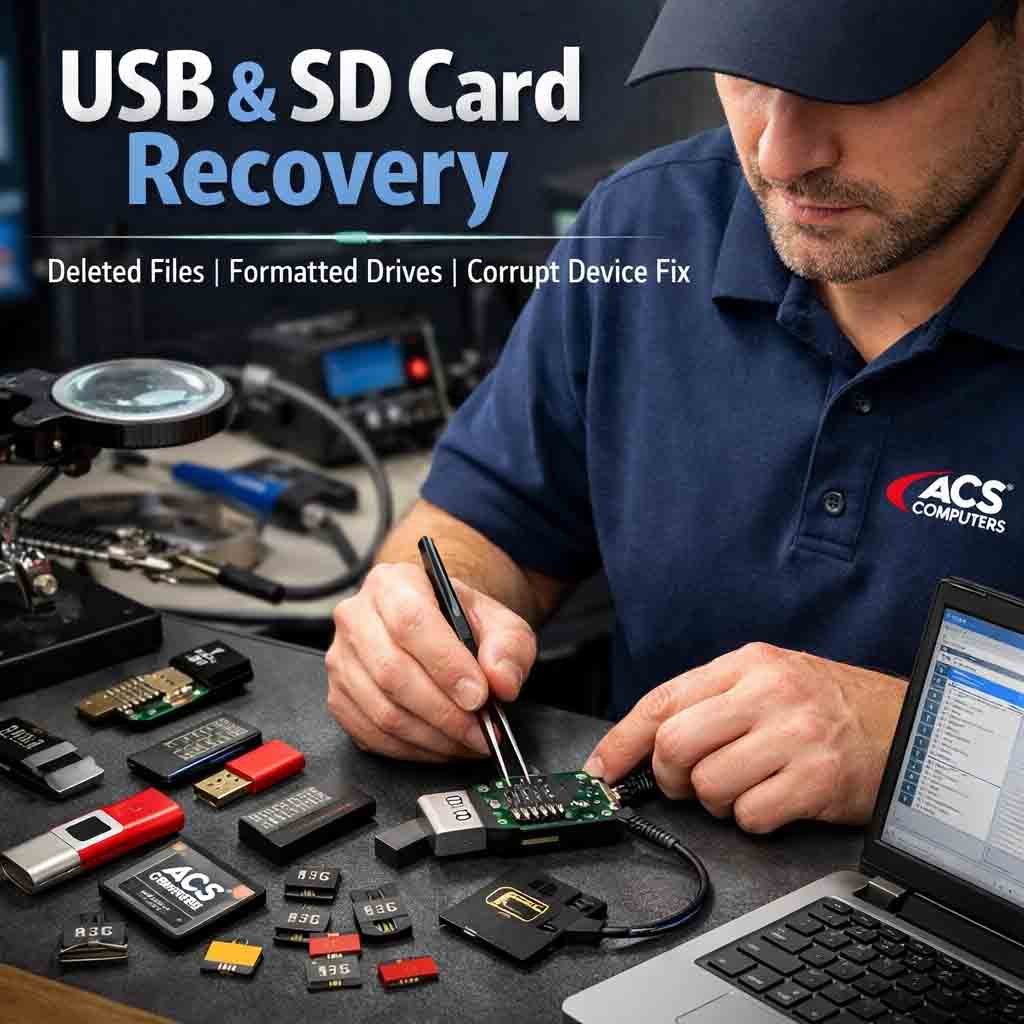
USB drives, memory cards, and external hard drives can also experience data loss. Common causes include accidental formatting, file-system corruption, improper removal, or physical damage.
Avoid formatting the device again if important files are missing. Recovery should be attempted before making changes that could overwrite existing data.
Professional Data Recovery
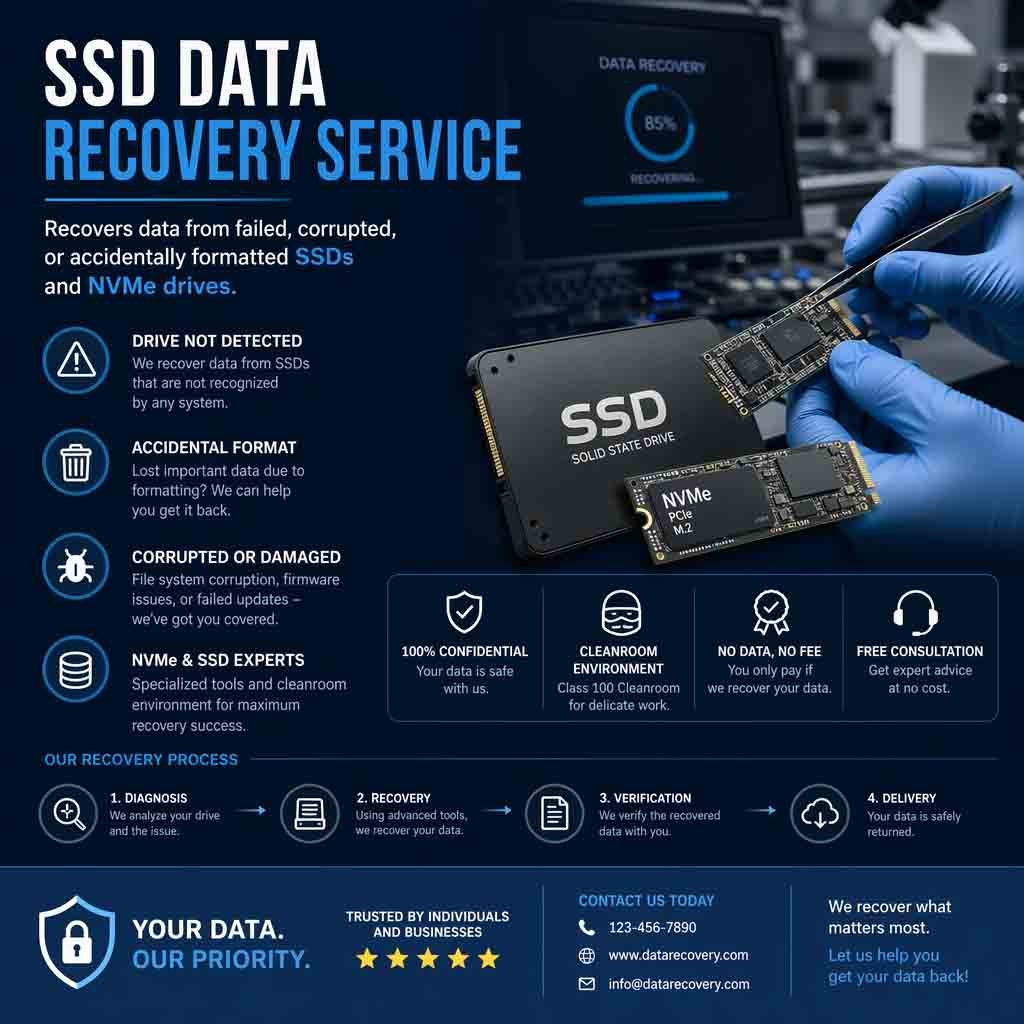
Professional data recovery may be required when a storage device has serious physical damage or is no longer detected normally.
Specialized recovery facilities may use controlled environments and dedicated equipment to work with damaged storage media. Recovery success cannot always be guaranteed, particularly when storage components are severely damaged or data has been overwritten.
The Importance of Backups
The most reliable protection against data loss is a properly maintained backup system. Important files should ideally have more than one backup, with at least one backup stored separately from the primary device.
Backup systems should also be tested periodically to confirm that files can actually be restored.
What to Avoid During Data Loss
When important files disappear, avoid experimenting with multiple recovery programs or repeatedly modifying the affected drive without understanding the risks.
Do not format, initialize, partition, or reinstall an operating system onto a drive containing important unrecovered data unless you are certain that the existing information is no longer required.
Secure Data Recovery
Recovered files should be stored on a different healthy drive rather than the original affected storage device whenever possible. This reduces the risk of overwriting additional recoverable information.
Confidential business or personal information should also be handled securely throughout the recovery process.
Protecting Important Information
Successful data recovery is often easier when the correct steps are taken immediately after data loss. Stop unnecessary use of the affected device, determine whether a backup is available, and avoid actions that could overwrite the missing information.
For critical or irreplaceable files, professional assistance can provide a safer approach and improve the chances of recovering valuable data.













Reviews
There are no reviews yet.